
For EnigMarch 2026, we asked puzzle designers to walk us through the creation of a puzzle of their choice. Read on for a tutorial by EnigMarch organizer Aiden Blackwood on how to use online tools to create a puzzly word search.
There are many ways of hiding a word or sentence in a word search: where words cross, the shapes the words make, the leftover letters and much more. Then there are ways of giving a word list. It could be a simple word list, but it could also be a bunch of crossword-style clues that solve to the words, or anagrams or synonyms.
This article specifically focuses on the way to make a leftover letters word search, which is a word search where the letters not crossed out spell out a hidden word or sentence. First, I’ll give you some general tips, and then I’ll give you the pros and cons of a few websites that will do the hard work for you.
General Tips
- These word search creators work best if you give them more words than the size of the word search needs. If you have a size of word search in mind, I recommend a list that has at least 1.5 times the amount of letters in it. So if you would like a 10×10 word search, I recommend at least 150 letters in all your words combined.
- You could also adapt the size of your word search to the word list.
- Play around with the size of the grid, going bigger until there’s no longer enough words for the grid.
- If you make your hidden word or sentence too short, it may be hard or impossible for the website to make the word search. A good minimum is the amount of rows or columns.
- You’re likely to have words you definitely want in the search. Depending on the tool you’re using, you may need to reload a few times to get the word search you would like, if you’re not setting by hand.
Websites
I went through a bunch of word search websites, and these are the ones I found that help you make a word search with leftover letters.
1. Discovery Education Puzzlemaker
https://puzzlemaker.discoveryeducation.com/hidden-message
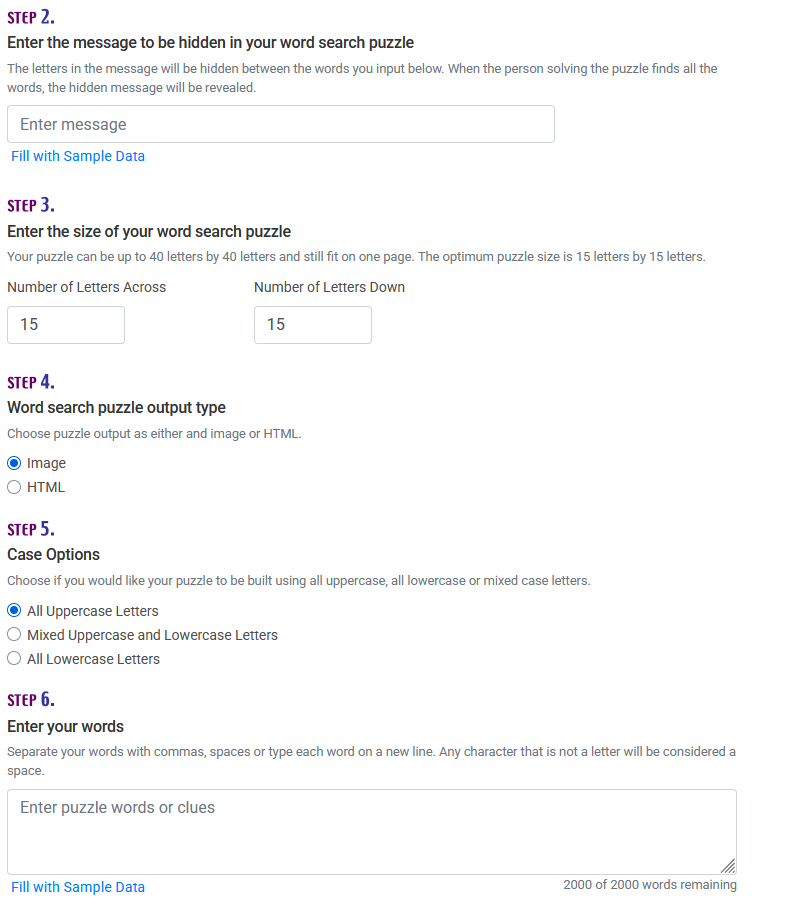
Pros:
- An HTML version to easily copy and paste the word search itself into an editing program of your choice, or an image to paste somewhere
- Easy to copy-paste a word list from somewhere else
- Option to show the solution to double-check everything is to your liking
- Filters out curse/bad words
Cons:
- You can’t see the solution in the HTML version, and you can’t change from the solution to the HTML from the same grid (it will reload and give you a different one)
- It will add random letters at the end of the hidden sentence sometimes. You need to check the solution to make sure it doesn’t do this
- Doesn’t let you pick the directions the words go in
2. ApolloPuzzles
https://www.apollopuzzles.com/wordsearch/make
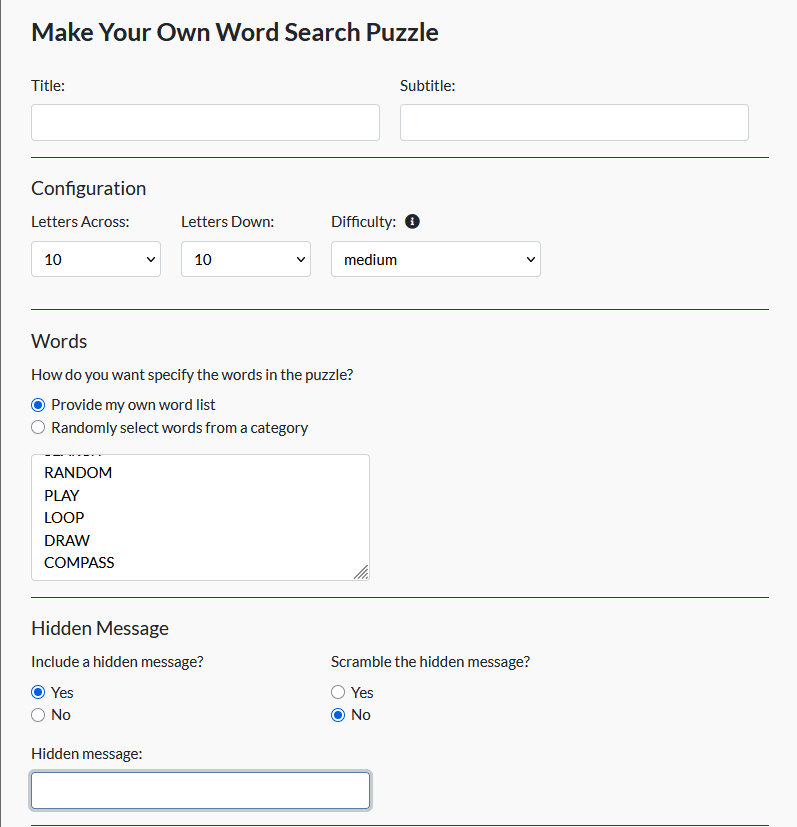
Pros:
- Easy to copy-paste a word list
- Some options to choose which way the words go
- Ability to scramble the message
- Easily switch between seeing or hiding solution
Cons:
- To be able to copy the grid, you need to click “print,” select “save to pdf,” open said pdf and then copy the grid
3. Puzzel.org
https://puzzel.org/en/wordseeker/build?menu=content
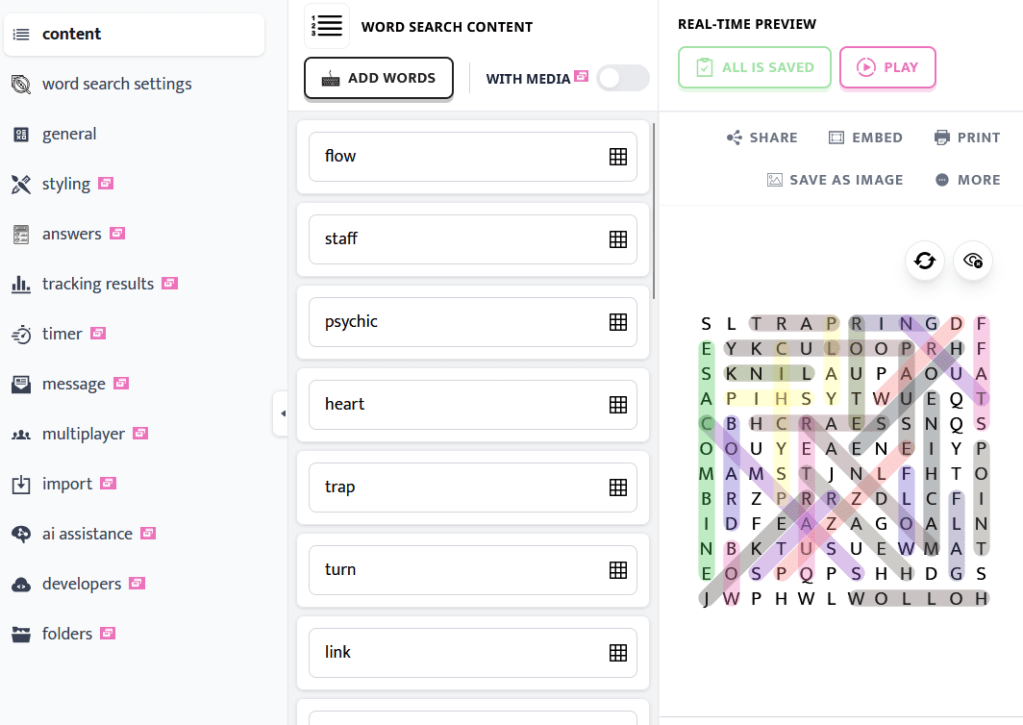
This has paid and free tiers; here I am focusing on the free tier.
Pros:
- Live view and live updating
- Option to turn any direction on or off
- Online solving
- Copy-paste the grid in editing software
Cons:
- Need to fill the words in one by one
- Lot of options behind a paywall
- Limited amount of word searches to make without an account
- Online solving has limits without a paid account
Editing Your Word Search
Once you’ve made the word search, you may want to change some things about it. Maybe your puzzle has crossword-style clues that have to be solved to find the word, or maybe it has anagrams. Image editing programs like GIMP (https://www.gimp.org/) will work great, but spreadsheets can get you far as well.
A Final Note
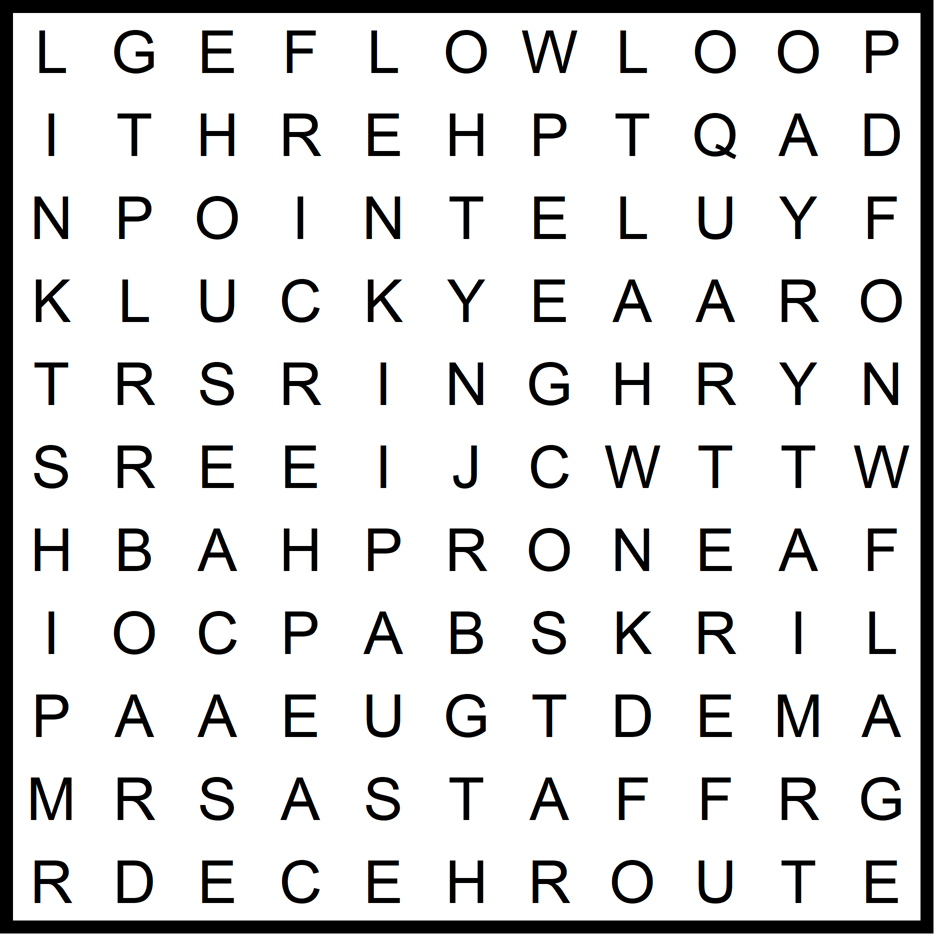
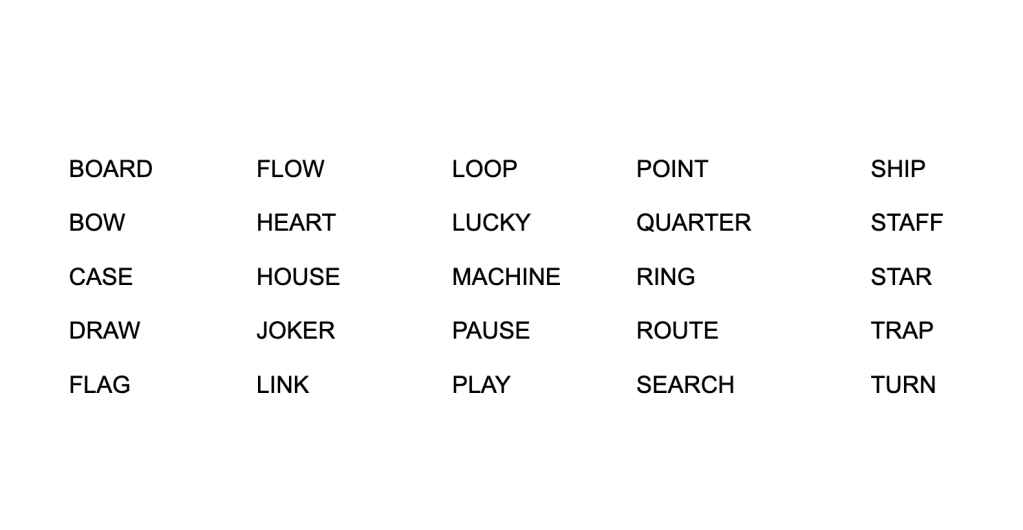
If you’re looking for more options and are willing to pay for it, I personally use Crossword Compiler and I am very happy with it (a lot of settings, a good algorithm for filling the grid and a lot of export options), but it isn’t cheap. And of course, I can’t make a whole post about word searches without leaving you with one.
 EnigMarch